Calendar (sidebar or app grid) opens the calendar full screen; the calendar icon in the side panel shows the day next to your messages. Your events stay on your server and sync with your phone (CalDAV).
Views
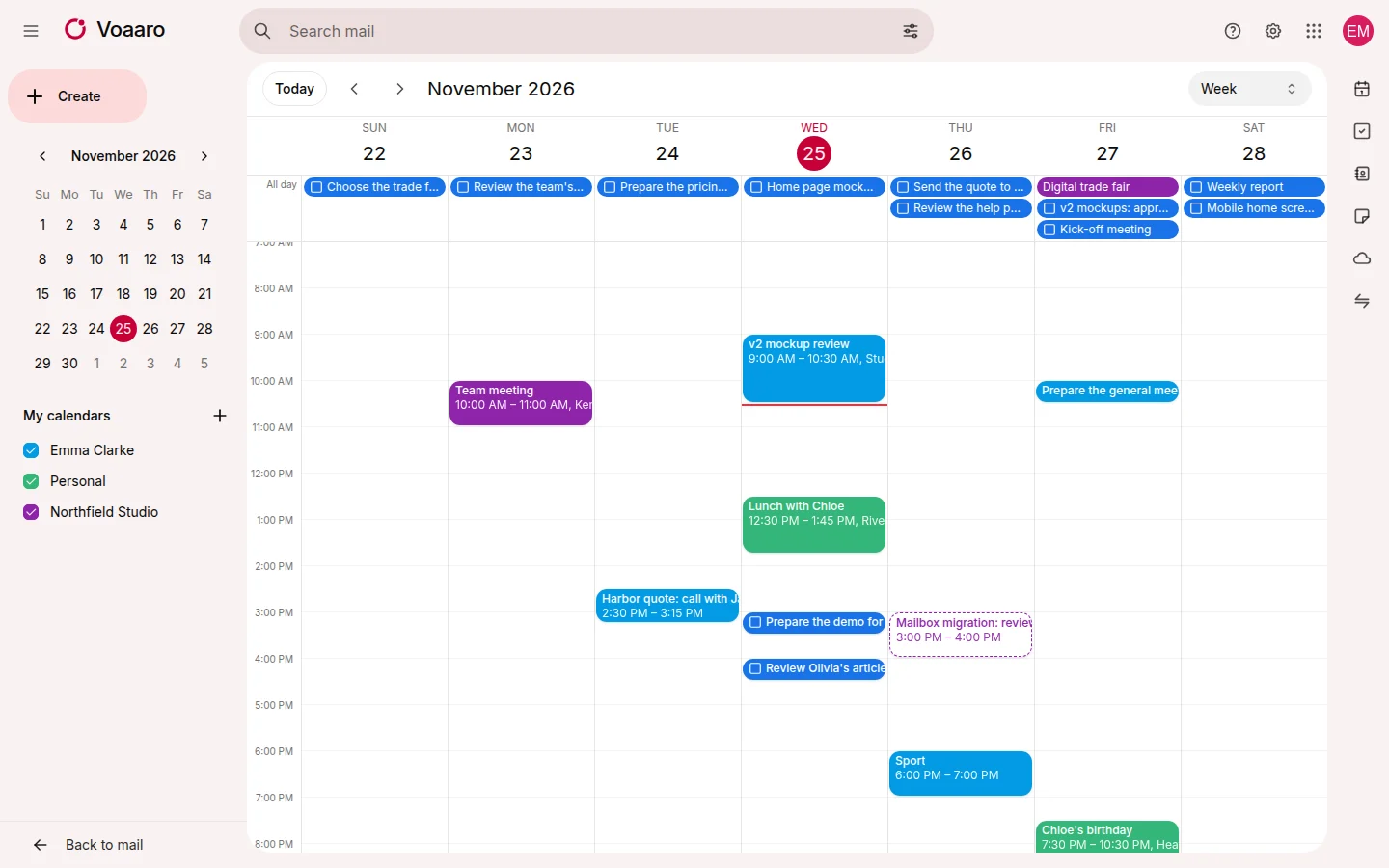
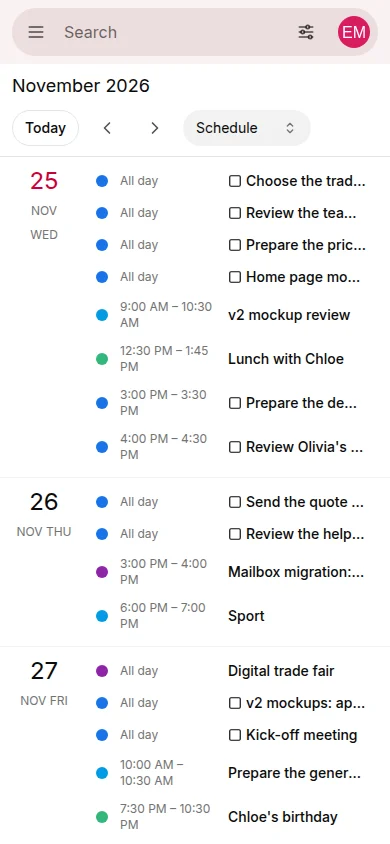
Day, Week (default), Month and Schedule (the list of upcoming events, the default on a phone), with Today and the previous / next arrows. The mini calendar on the left picks a date; My calendars shows or hides each calendar.
Tasks that have a date appear too, with an empty or ticked box; a click opens the tasks panel.
Create an event
Create (or a click in the grid): title, Start and End (or All day), Time zone (searchable list), Location, Description, Guests, Repeat (daily, every weekday, weekly, monthly, yearly, until a date or a number of times), up to 5 reminders and the calendar colour.
With guests, Voaaro sends them the invitation by email; their answers show on the event. For a recurring event, editing or deleting asks This event or All events.
Respond to an invitation
An invitation you receive shows as a card above the message: "Going?" Yes, Maybe or No. The event is added to your calendar and the organiser gets your answer. View in calendar opens the date.
Reminders
A reminder arrives as a notification on the devices where Voaaro notifications are on (Settings › General › Desktop notifications, and the app installed on your phone).
Multiple calendars
The "+" in My calendars creates a calendar (name, colour); a calendar's menu renames it, changes its colour or deletes it. The default calendar can't be deleted.
On your phone and computer
Settings › Devices › Sync contacts and calendar gives the CalDAV address and the steps for iPhone, Android (DAVx⁵) and Thunderbird, with the device's app password. See Phone and apps.